Campus Tour Reservation Form
Collect student information and schedule (or reschedule) campus tours on a single form.
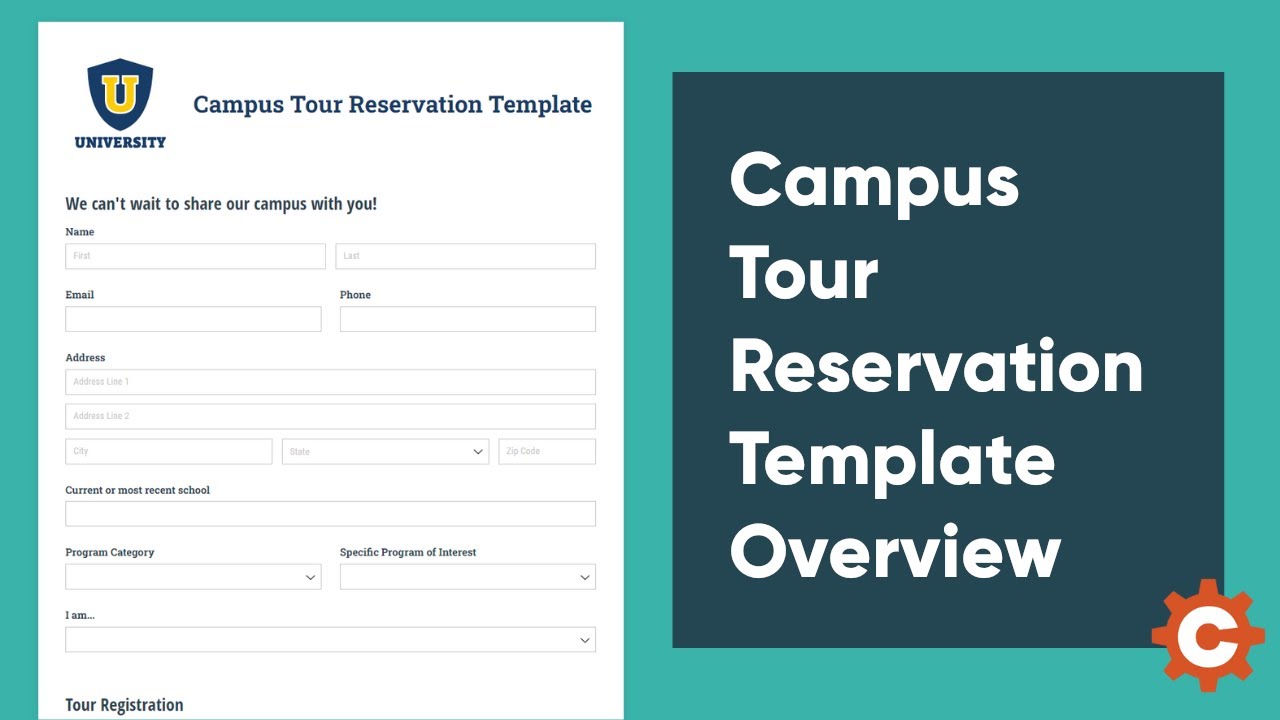
Our Campus Tour Reservation template provides colleges with a prospective student-focused tour reservation form. Within the form, students can sign up for a campus tour, choose to send an additional confirmation email to a parent/guardian, and reschedule or cancel their tour if necessary. On the university's end, enrollment staff can keep track of new submissions and indicate when the student has been added to the university's CRM.
Connected Lookups
This template is connected to the College Programs Lookup form which auto-populates the data for the Program Category and Specific Program of Interest fields.
Simply save this form as well as the connected lookup forms to start using this template. Be sure to adjust the College Program Lookup form to include your university's program categories and specific programs of interest. In addition, feel free to customize the application to include any additional fields, functionality, and workflow steps that you would like to add.
One way to further elevate your form is to assign a single admissions officer or the specific academic department’s email to a student’s entry based on their degree program, state of residence, or alphabetical last name. This can help you better organize the applications as they are submitted by directly routing them to the correct admissions staff member. Check out our template tips to learn more.
College Program Lookup Form
This university program lookup template helps you quickly and easily adjust the available programs for students to select within their admissions application, scholarship application, campus tour reservation, and orientation registration.
This lookup form is simple in structure. There are three fields: program category, level of degree, and specific program name. Program category is a way to easily categorize your programs offered by type. You can easily change this to be your specific school's name within the university or adjust the names of each category.
In short, you'll create a separate entry in this form for each specific program you offer. You'll want to be sure to indicate the category and level of degree, so your programs are able to be filtered by this information.
Workflow
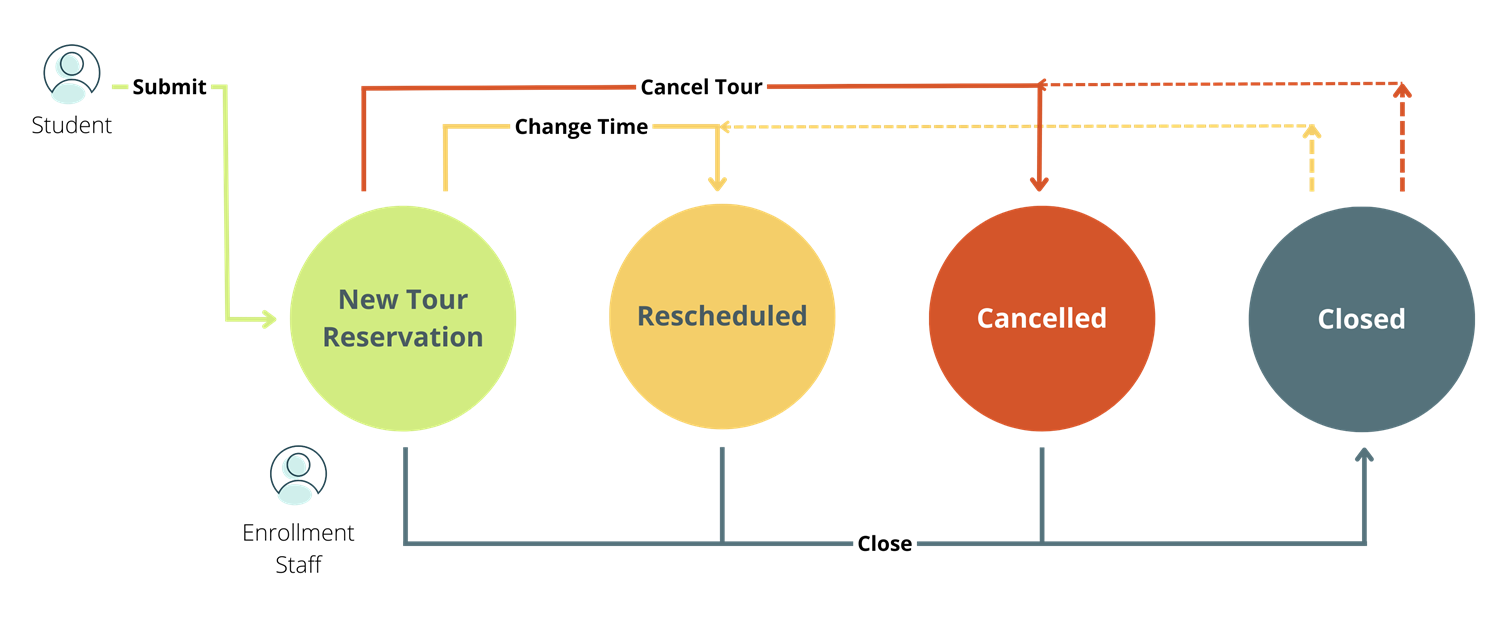
Workflow
Roles
- Public
- Enrollment Services
Statuses
- Incomplete
- New
- Rescheduled
- Cancelled
- Closed
- Industry
Education - Feature
Workflow Automation Lookup Field - Type
Registration Forms